
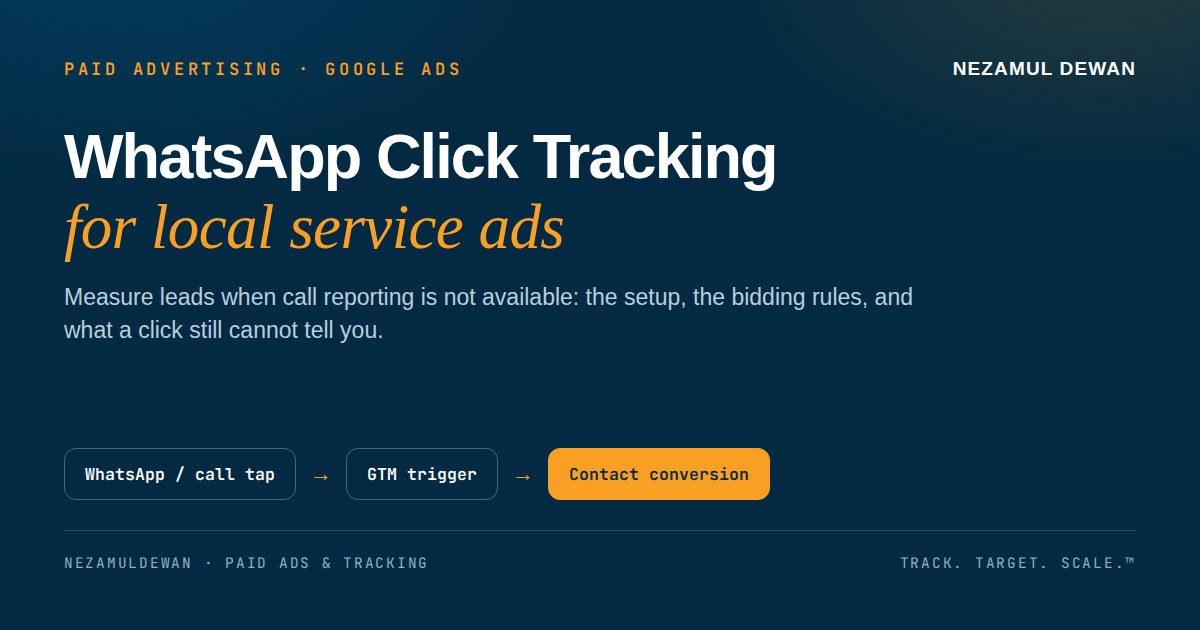
A local service business does not sell in a cart. The lead starts with a tap: a WhatsApp message, or a phone call. Google Ads can show you the clicks, but clicks are not leads. And in some markets, Google call reporting is not available at all, for example for Qatar numbers, so there is no built in call conversion to fall back on. This guide covers the setup I use instead: track the WhatsApp and call click itself as a conversion, and keep a simple record of what happens after the click.
1. Why clicks are not leads
A Search campaign for a repair service can spend all day and report plenty of clicks. That tells you the ad was tapped. It does not tell you whether anyone messaged, called, or booked. If you optimise for clicks, Google will find you more clickers. If you want more enquiries, you need a conversion that fires when someone actually tries to contact you.
For a service business, the contact attempt is the conversion. The WhatsApp tap and the call tap are the two actions that matter most on the landing page.
2. The setup: one Contact conversion, fired by GTM
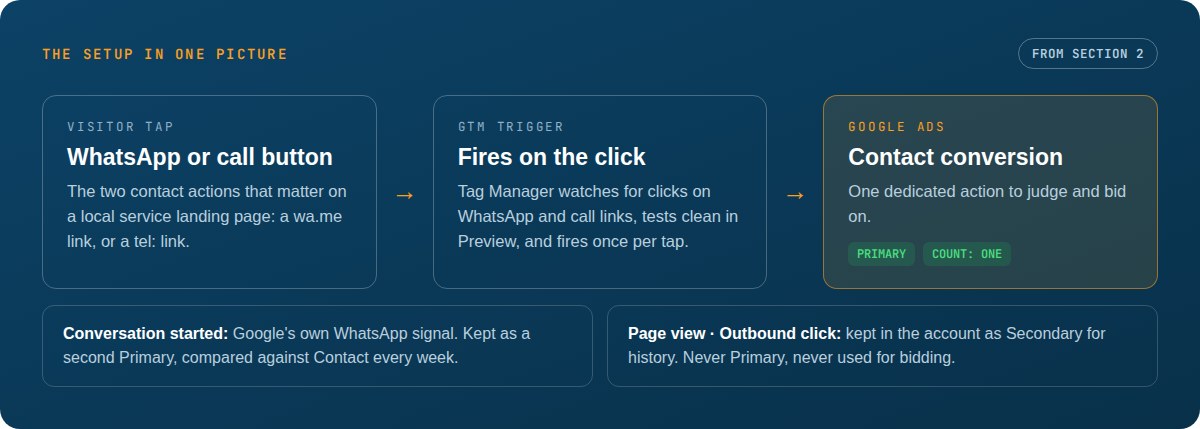
The setup has three parts, and each one has a job.
A dedicated Contact conversion in Google Ads. Create one conversion action called Contact. Set it to Primary, so it can drive bidding later, and set Count to One, so one person tapping once counts once. This is the action you will judge the campaign by.
A GTM trigger on the WhatsApp and call links. In Google Tag Manager, fire the Contact conversion when a visitor clicks a WhatsApp link or a tel: link. Test it in GTM Preview first, then check in Google Ads that the action moves from setup to recording. Until it records, do not use it for bidding decisions.
Keep the platform signal beside it, not instead of it. Google also records its own Conversation started signal when a WhatsApp chat opens from an ad asset. Keep that as a second Primary signal and compare the two. If Contact and Conversation started move together, your tracking is consistent. If they drift far apart, something in the click path needs a look.
Keep the rest out of bidding. Page views and outbound clicks can stay in the account as Secondary actions, so their history is not lost, but they should never be Primary. A page view is not a lead.
Key takeaway for service advertisers: measure the contact attempt, not the click. A campaign that looks expensive per click can be cheap per enquiry, and a campaign that looks cheap per click can produce no enquiries at all.
3. Before you let it drive bidding
Do not switch a campaign to Maximize Conversions on the day you publish the new action. Let the action record first, for a full week if you can, so you can see whether it fires steadily and only once per contact attempt.
When you do switch, leave target CPA empty for the learning period, about 14 days. A target set too early, on too little data, will choke the campaign before it has learned what a contact costs. Watch the prepaid balance through learning too: a campaign that pauses for lack of funds in the middle of learning has to start again.
4. What a WhatsApp click still cannot tell you
A click is a contact attempt, not a booked job. Some messages never become jobs, and some callers book without ever tapping a tracked link. That gap is normal, and the fix is not another tag. It is a simple log kept by the business: date and time, service needed, whether the enquiry came from an ad or from the website, and whether it booked.
That log is also the honest basis for the next step, offline conversion import. Only consider importing booked jobs as a conversion after you have a few weeks of clean, matched jobs, and keep it Secondary until the volume is clearly enough to bid on. Importing raw calls too early risks poor matching, and a job that was already counted as a Contact click can be counted twice.
5. QA checklist before you trust the numbers
- In GTM Preview, click the WhatsApp button and the call button on the live site, and confirm the Contact tag fires once for each.
- In Google Ads, confirm the Contact action shows recent conversions, not just a setup status.
- Check for double firing. Chat widgets can fire a second hit from the same tap, so click once, wait, and confirm only one conversion is recorded. If you see two, find the extra trigger before you switch bidding.
- Compare Contact with Conversation started over the same week. A small gap is expected. A large gap means one of the two paths is broken.
When those four checks pass, your campaign finally has a lead number to optimise against. That is the whole point of the setup: not more data, but one number you can trust enough to bid on.